Skip to content
StationPanel

Product

One place for sites, tests, documents, and ATG alarms.

This is the app as it is today, screen by screen. The screenshots are taken from the product.
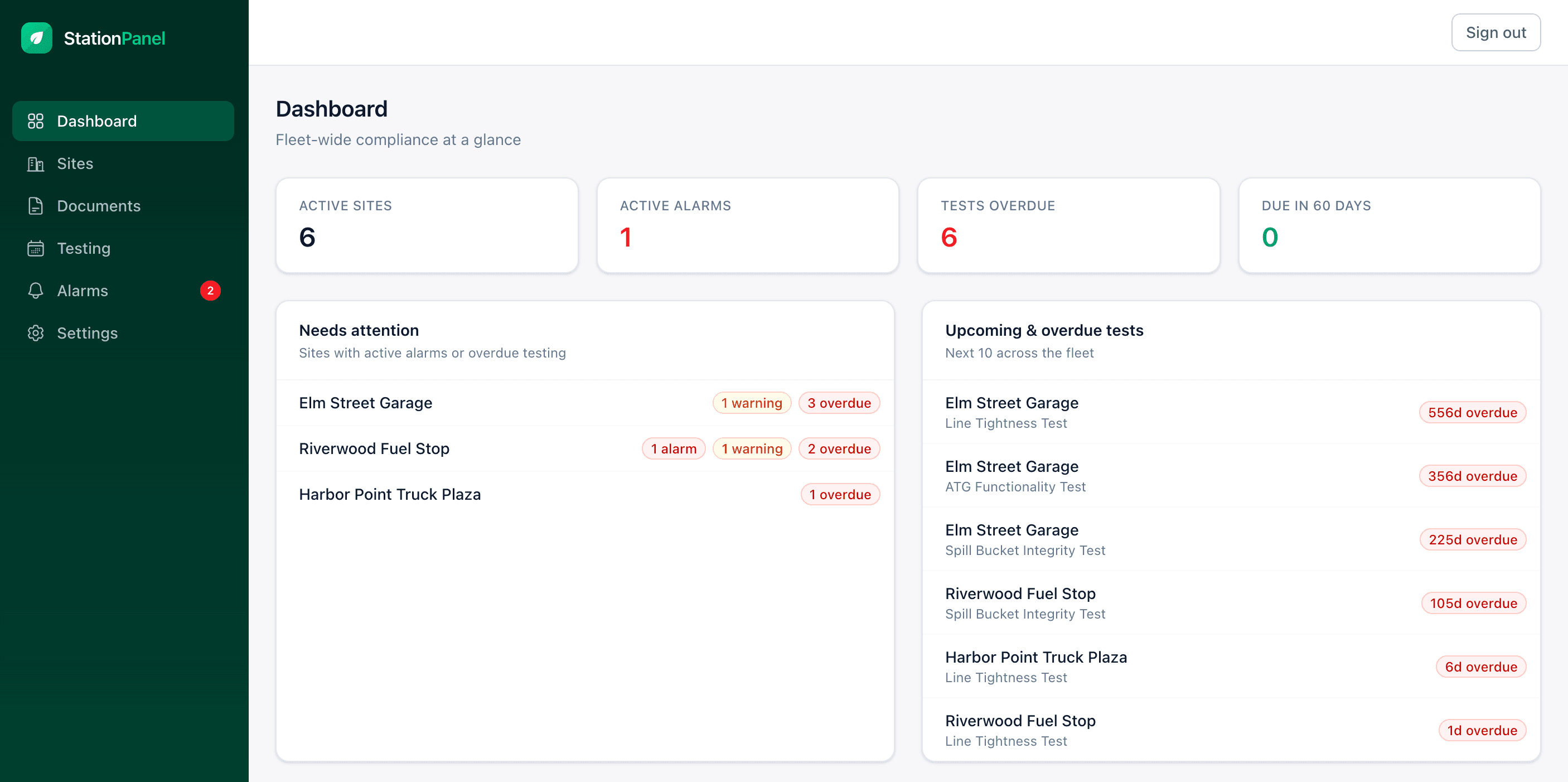
A Station Panel fleet dashboard: active sites, active alarms, tests overdue, due in 60 days, a needs-attention list, and upcoming and overdue tests.
A Station Panel fleet dashboard.

Dashboard

“Fleet-wide compliance at a glance.”

Four numbers at the top of the screen. They are the first thing you see when you sign in.

  • Active sites
  • Active alarms
  • Tests overdue
  • Due in 60 days

Needs attention

Sites with active alarms or overdue testing. Each site shows its counts: alarms, warnings, overdue tests.

  • alarm
  • warning
  • overdue

Upcoming & overdue tests

The next tests across the fleet, by site. When a test slips, the row says how many days overdue. These are the tests the app tracks, each on a one-year or three-year interval.

  • ATG Functionality Test
  • Cathodic Protection Survey
  • Containment Sump Test
  • CP Rectifier Inspection
  • Line Leak Detector Test
  • Line Tightness Test
  • Overfill Prevention Inspection
  • Spill Bucket Integrity Test
  • Stage I Vapor Recovery Test
  • Tank Tightness Test

The rest of the sidebar.

Sites
Every site in the fleet. Each one carries its own file.
Documents
The records an inspector asks for, kept with the site they belong to. Filed by category: registration certificate, installation records, operator training, 10-day inventory monitoring, weekly leak detection, operability tests, cathodic protection, tightness tests, repairs and maintenance, financial responsibility, spill reporting, DEC inspections.
Testing
The testing schedule. What is due, what is overdue, and by how many days.
Alarms
ATG alarms and warnings by site, next to the rest of the site file.
Settings
Who is an admin, a manager, or a viewer, and how the account is named. Account activity is logged. It is boring on purpose.

On the counter

An iPad where the binder used to be.

A site can keep an iPad on the counter. It holds that site’s compliance records, and a connect code links it to the site’s file in the portal.
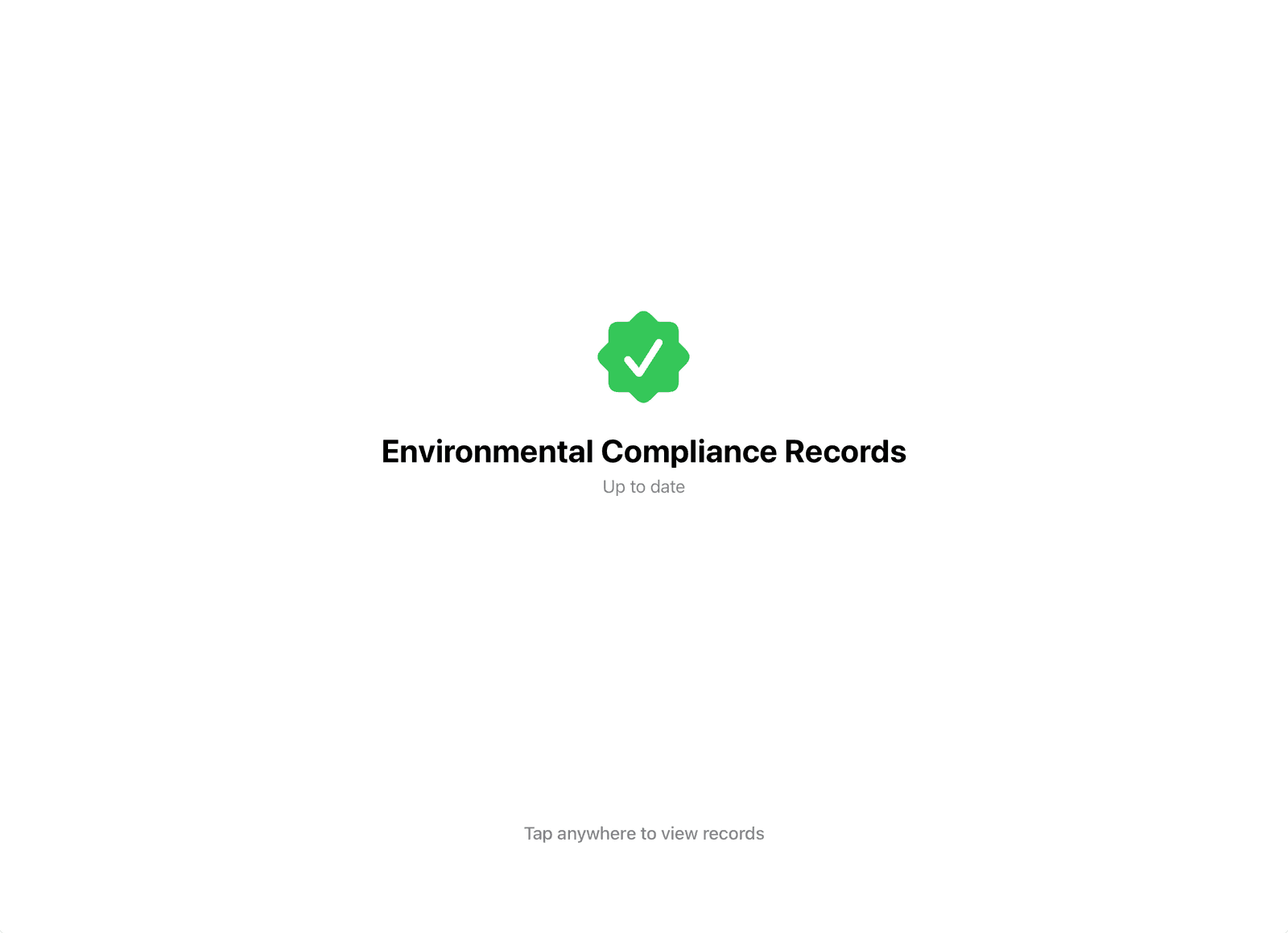
The idle screen of the on-site iPad: a green check, “Environmental Compliance Records”, “Up to date”, and “Tap anywhere to view records”.
The iPad when nobody is using it.
The idle screen
It says whether the records are up to date. Tap anywhere and they open.
Twelve categories
The record set an NYS PBS inspection asks for, from the registration certificate to DEC inspections and correspondence.
Add a record from a phone
Scan the code on the iPad with a phone on the site’s Wi-Fi and photograph the page.
Remote view
If the site allows it, the office can see and control the screen. The iPad shows when someone is watching.

Setup happens on the iPad.

Five steps, starting with power and Wi-Fi. No laptop.
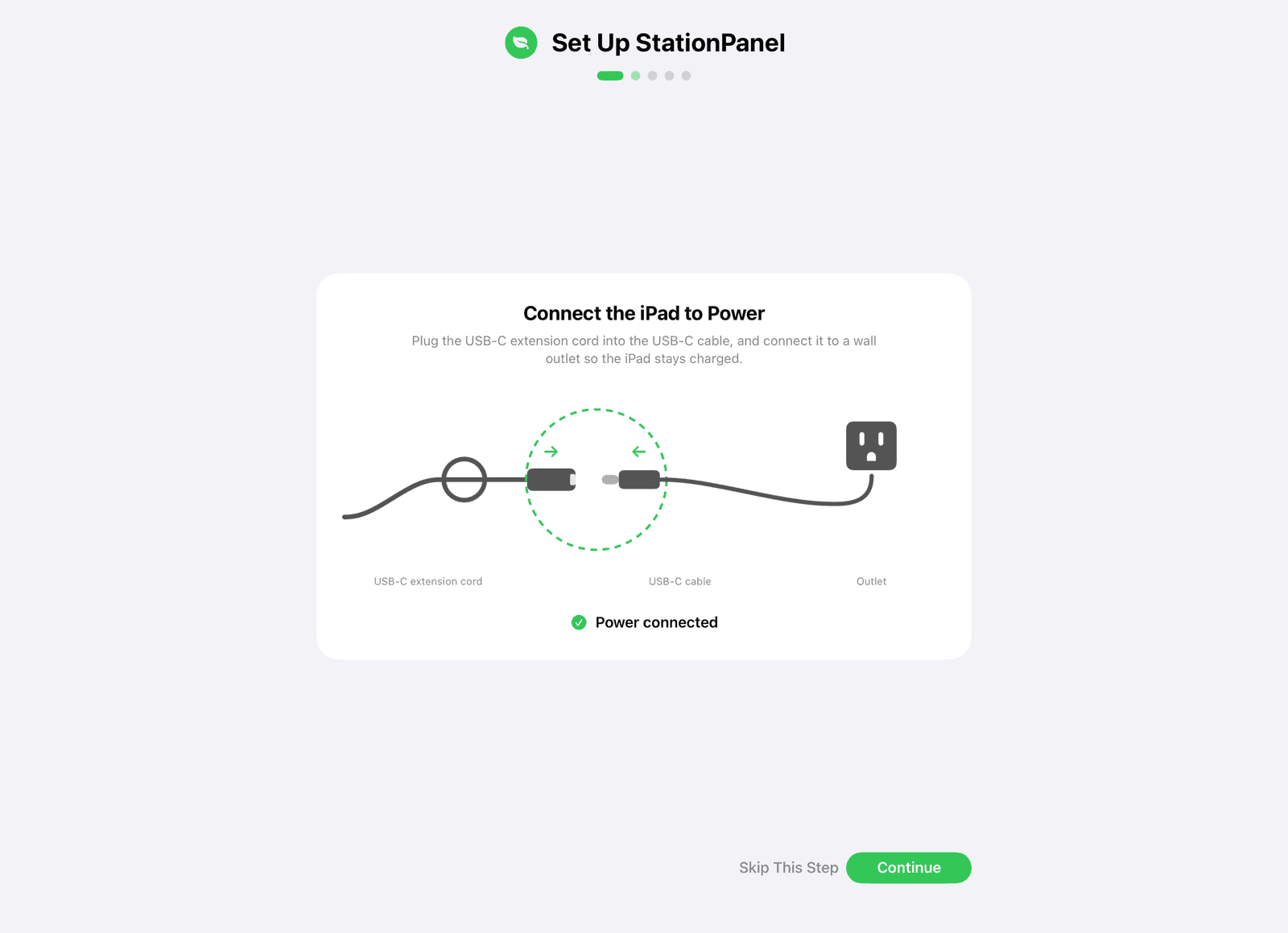
  • Setup step one on the iPad: “Connect the iPad to Power”, with a diagram of the cable and outlet and a “Power connected” check.
    1. Power
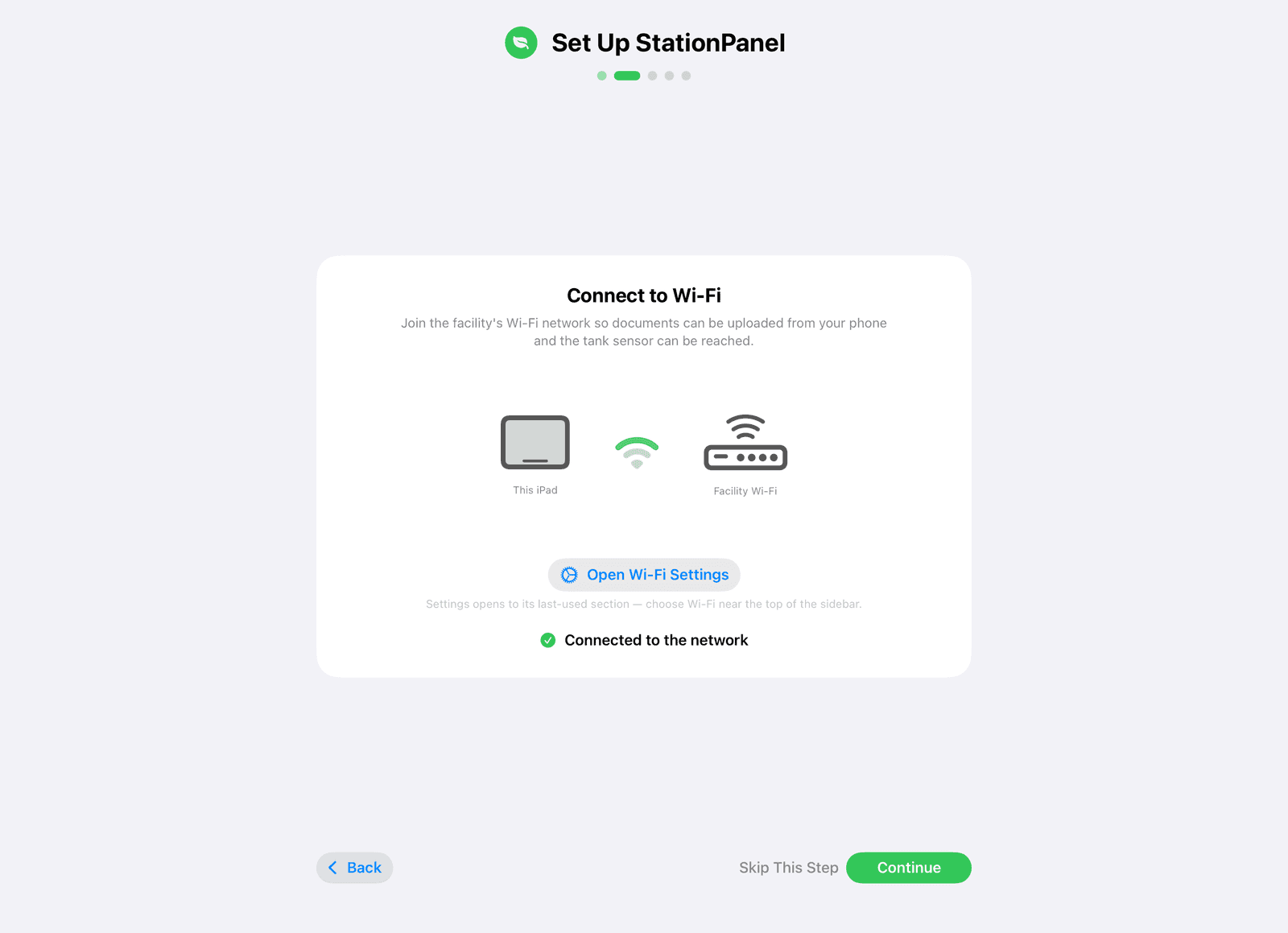
  • Setup step two on the iPad: “Connect to Wi-Fi”, with a “Connected to the network” check.
    2. Wi-Fi
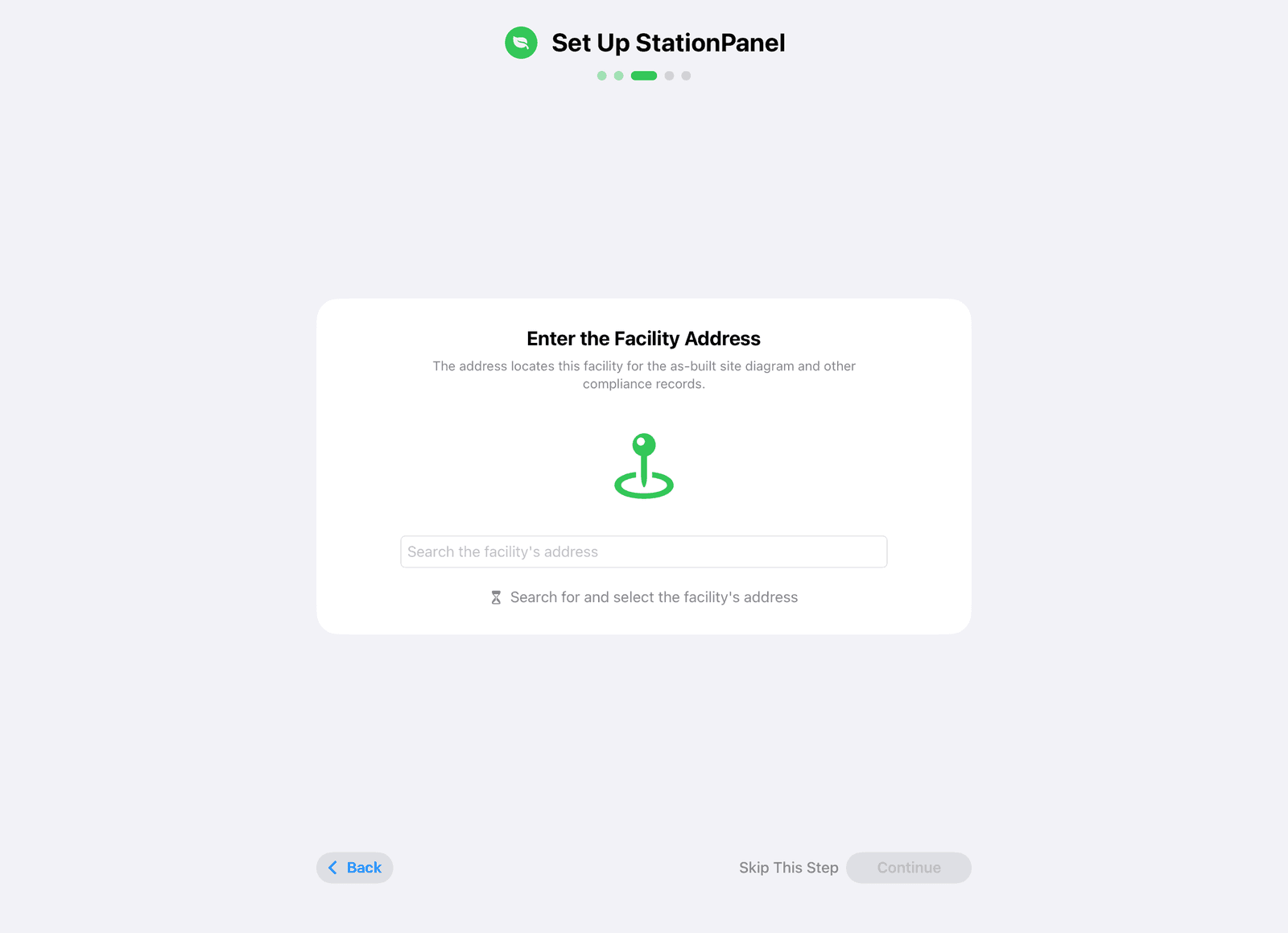
  • Setup step three on the iPad: “Enter the Facility Address”, with a search field.
    3. Facility address

About your ATG

Station Panel is built around ATG alarms and the testing calendar those gauges sit inside. The gauge stays on the tank. Tell us what is on site — we will tell you what we support.
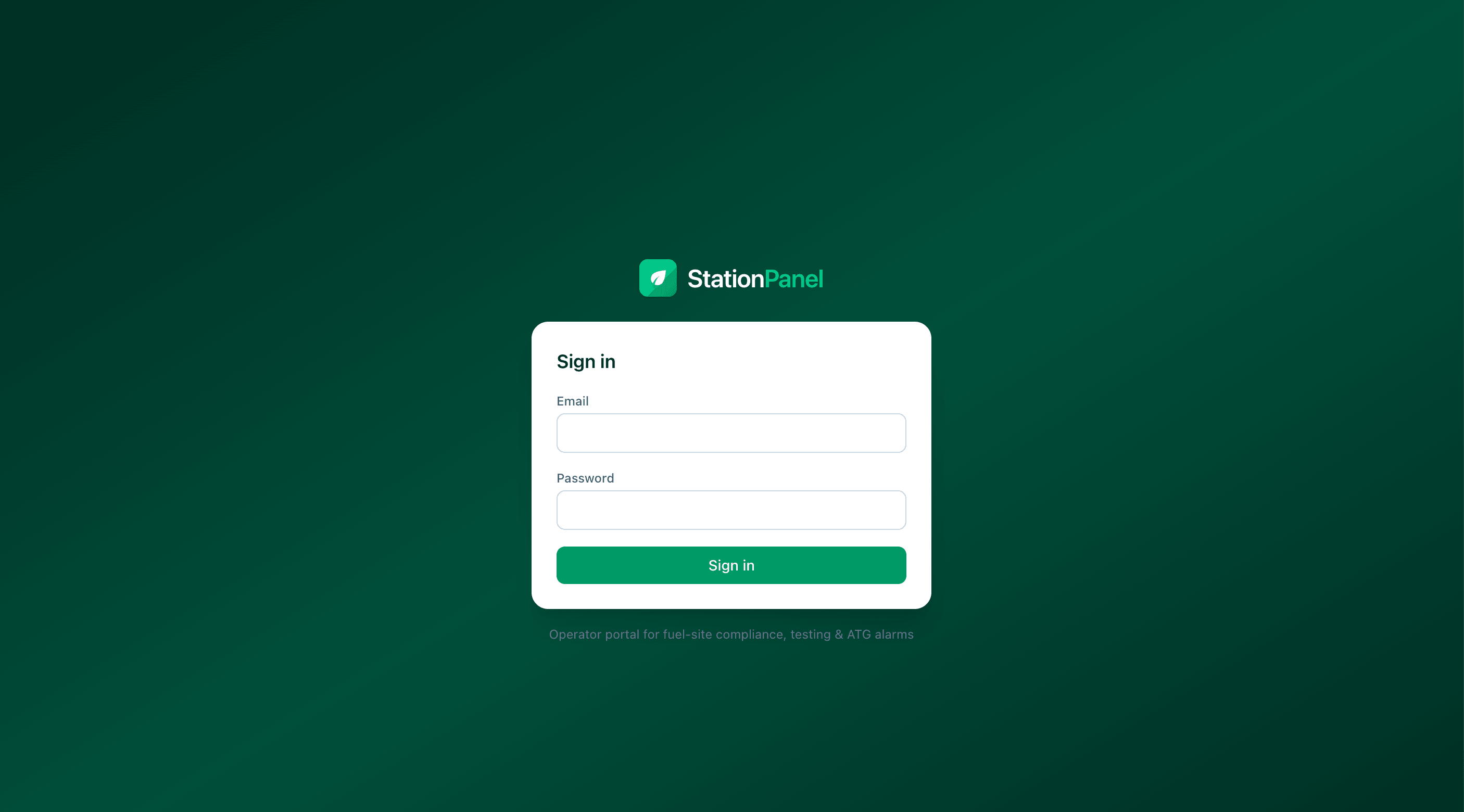
The Station Panel sign-in screen: email, password, and the line “Operator portal for fuel-site compliance, testing & ATG alarms.”
Operators sign in at app.stationpanel.com.